

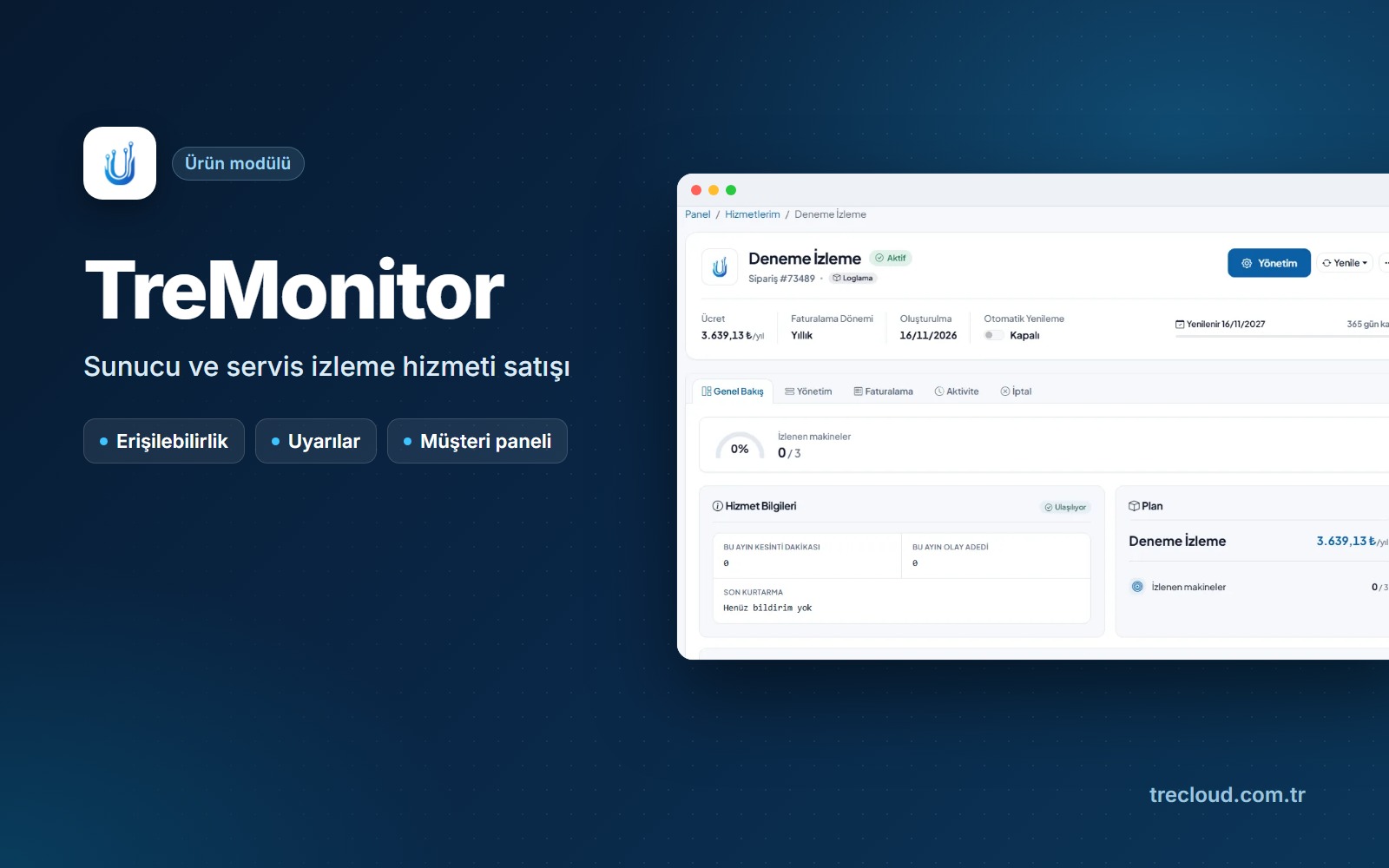
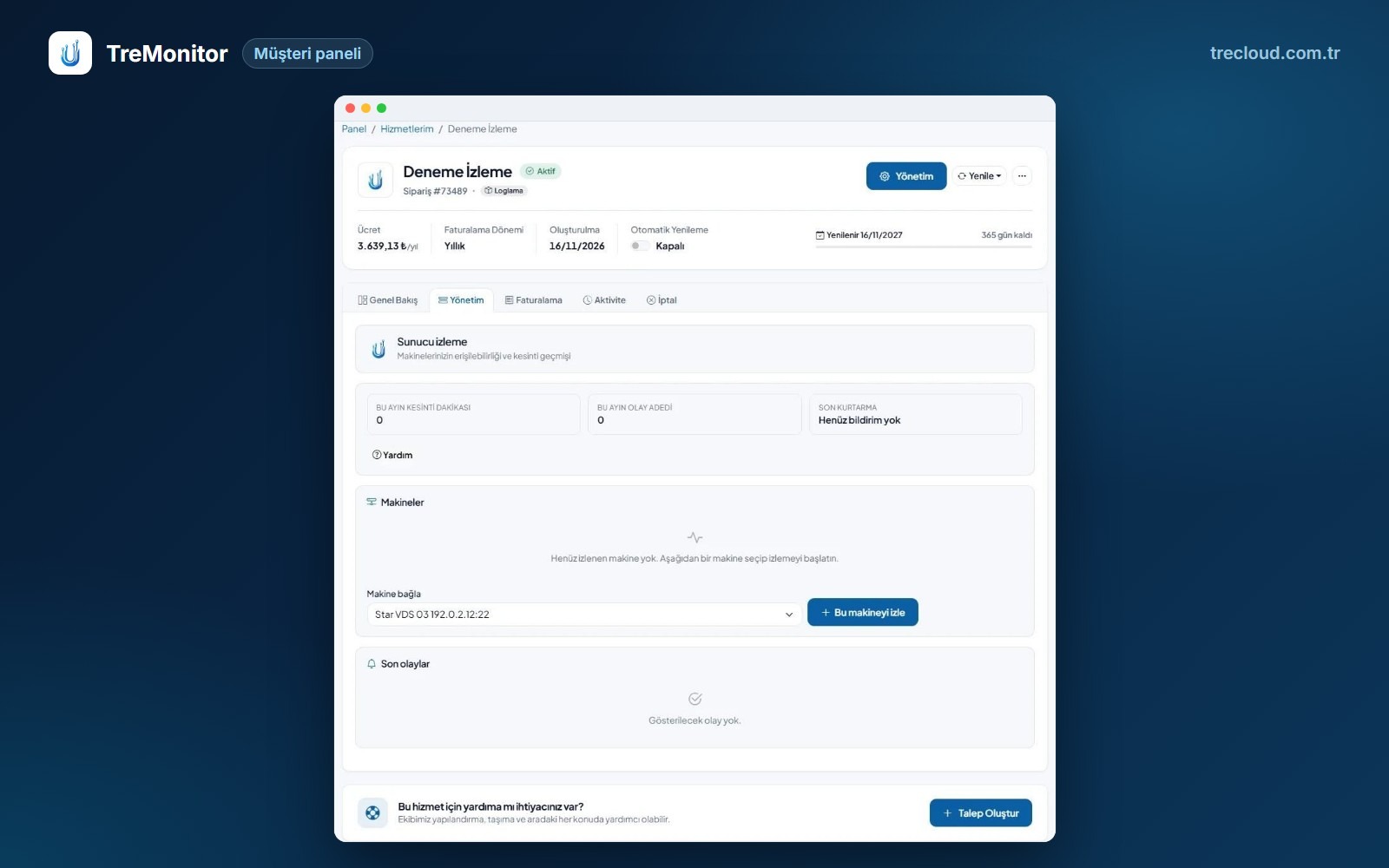
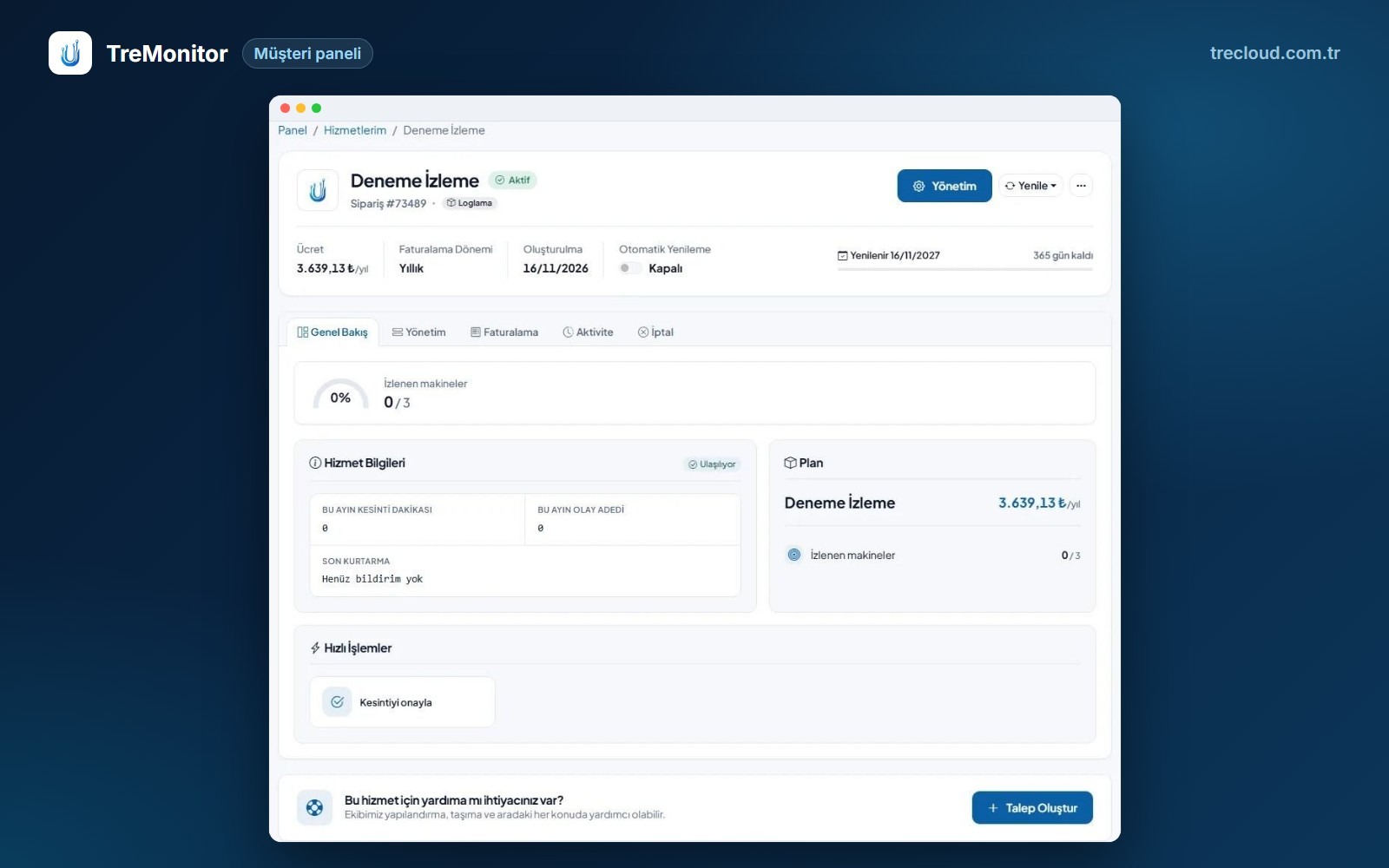
TreMonitor is for WISECP providers who sell VPS, VDS or dedicated servers and want to sell monitoring too. A single network glitch no longer reaches your customer as a false alarm: an outage is reported only when two separate locations see it. The customer simply picks their own server from a list.
Fewer false alarms
- Two-location confirmation: the outage email and SMS go out once, only when two different locations fail on the same machine. One failing location never opens an outage.
- One recovery email follows when both locations reach the machine again.
- A machine that keeps going down and up within 30 minutes is marked unstable, and the customer gets one email about it.
- A probe that stops reporting is a measurement problem: you are notified, the customer is not.
How it measures
- TCP port check: the panel connects to the machine's public address and port and records the response time. With no port on the service, Windows uses 3389 and others 22.
- vCenter power state: for virtual servers created with TreHypervisor, vCenter seeing the machine off counts as a second location.
- External probe: for physical servers or an extra location, run tremonitor-probe.php on a server in another network. It measures only targets assigned to it.
For your customers
- The service page shows each machine's status, recent incidents, this month's outage minutes and last recovery.
- Customers start a maintenance window (1 to 24 hours), pause monitoring and acknowledge an outage themselves. During maintenance, measuring continues but no notice goes out; if the problem remains when the window ends, one notice is sent.
For your staff
- The service detail shows each machine's result per location, open incidents and probe health.
- Acknowledging an incident does not close it; it holds new outage emails for the minutes you set.
- Probes are added with a name and location code; the token is shown once. Optional Telegram alerts go to your own chat.
Sales and billing
The module sets no price. You price the product by the number of machines a service may monitor and set the shortest check interval (60 seconds or more). A downgrade below the machines already bound is refused.
If the license lapses, measuring continues and existing customers keep their monitoring pages and controls. Customer outage emails and SMS, new orders and new machine bindings need a valid license.
The screens open in Turkish or English according to the panel language; other panel languages show English.
Buy the license at trecloud.com.tr. The license key is issued for your WISECP domain and server, and you download the module from the WISECP Marketplace with that license. Updates arrive through the Marketplace.
TreMonitor
Modules- Two-location confirmation: the outage email and SMS go out once, only when two different locations fail on the same machine. One failing location never opens an outage.
- One recovery email follows when both locations reach the machine again.
- A machine that keeps going down and up within 30 minutes is marked unstable, and the customer gets one email about it.
| Billing Cycle | Total |
|---|---|
| Monthly | $5 |
| Annually | $50 |
Sell server monitoring that alerts customers only when two separate locations confirm the same outage.
| Released | 17 November 2026 |
|---|---|
| Last Update | 17 November 2026 |
| Version | 1.7.7 |
| License | 1 WiseCP panel (domain and IP) |
| Updates | Included while active |
- WISECP 5
- PHP 8.2 or 8.3 with ionCube Loader enabled
- WISECP cron running, with the two TreMonitor tasks (target check and probe check) enabled
- A second location for customer outage notices: TreHypervisor (vCenter power state) or at least one external probe
- For the external probe: a separate server in another network that runs PHP from the command line with cURL (no ionCube needed there)
- Optional: a Telegram bot token and chat ID
- The panel server must reach wisecp.trecloud.com.tr on port 443 for the license check
Other Products
Browse All Products Popular
Ready to Launch?
Create your account and order your first service in just a few minutes.