

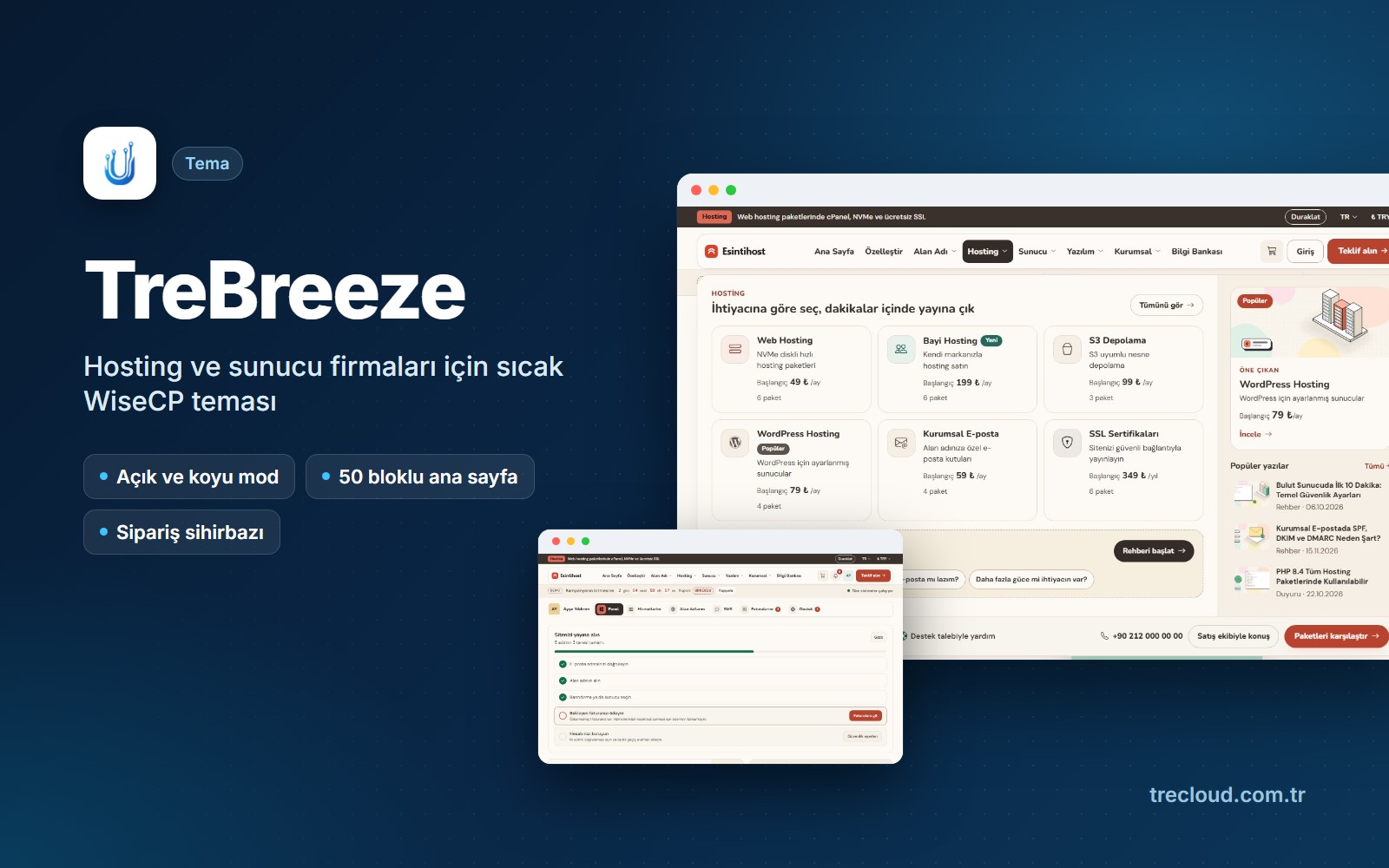
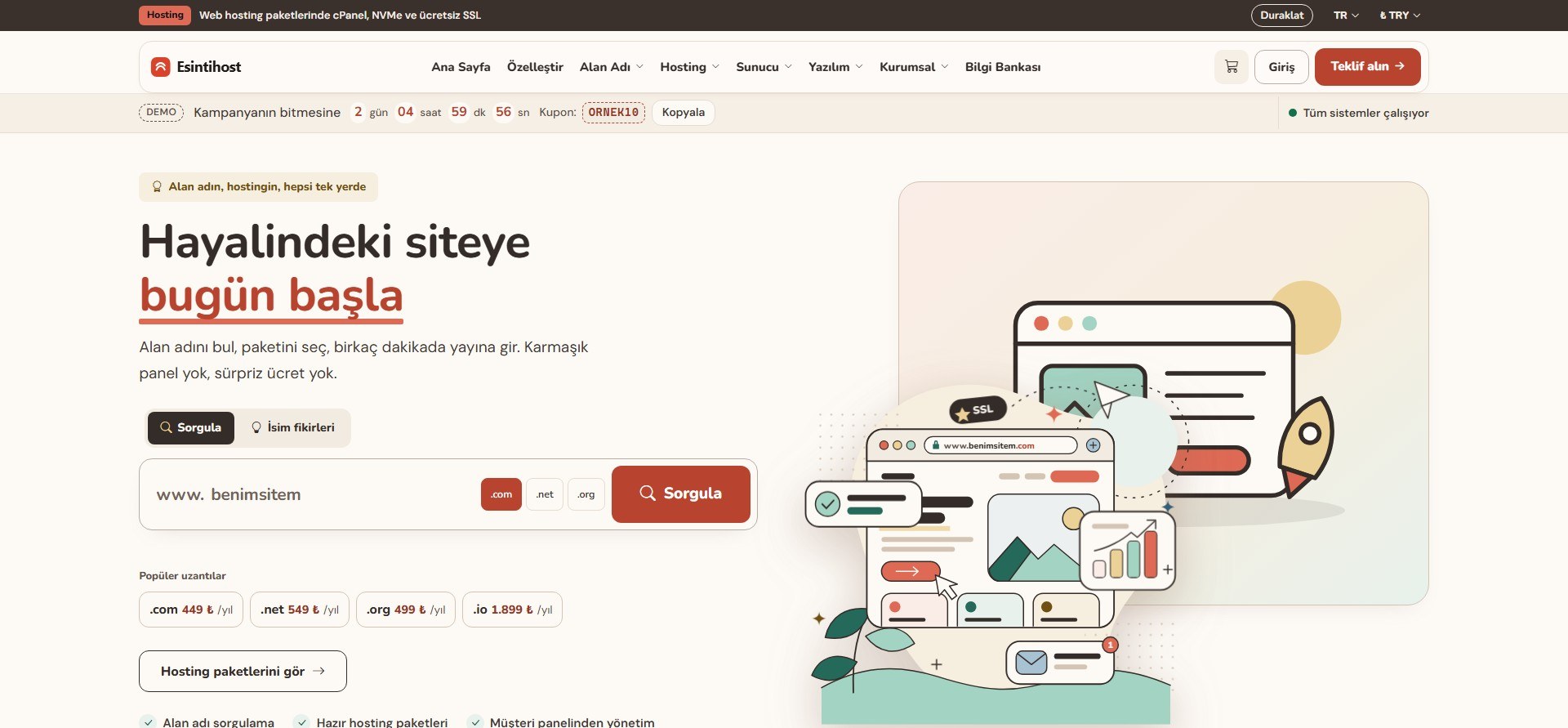
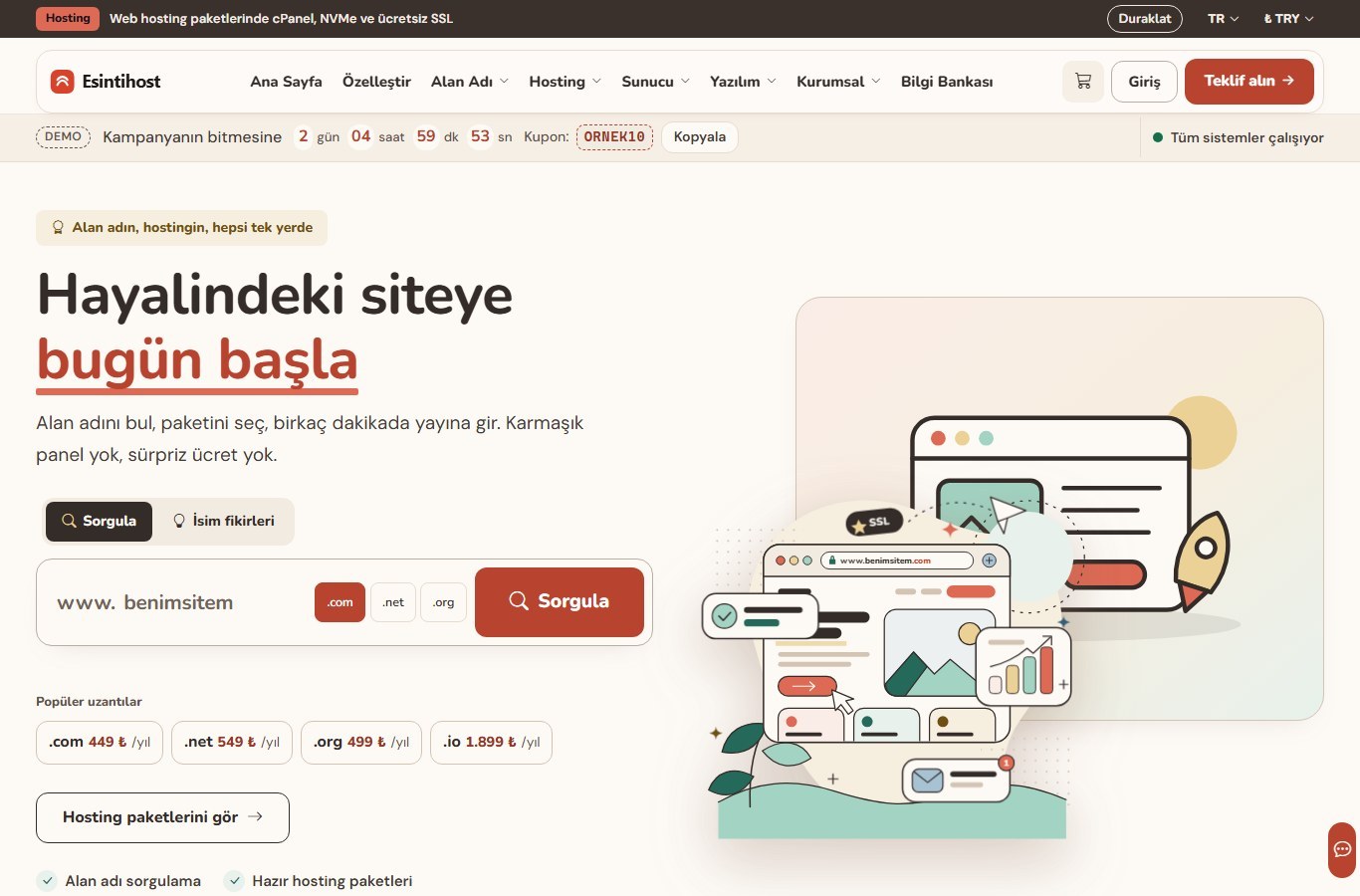
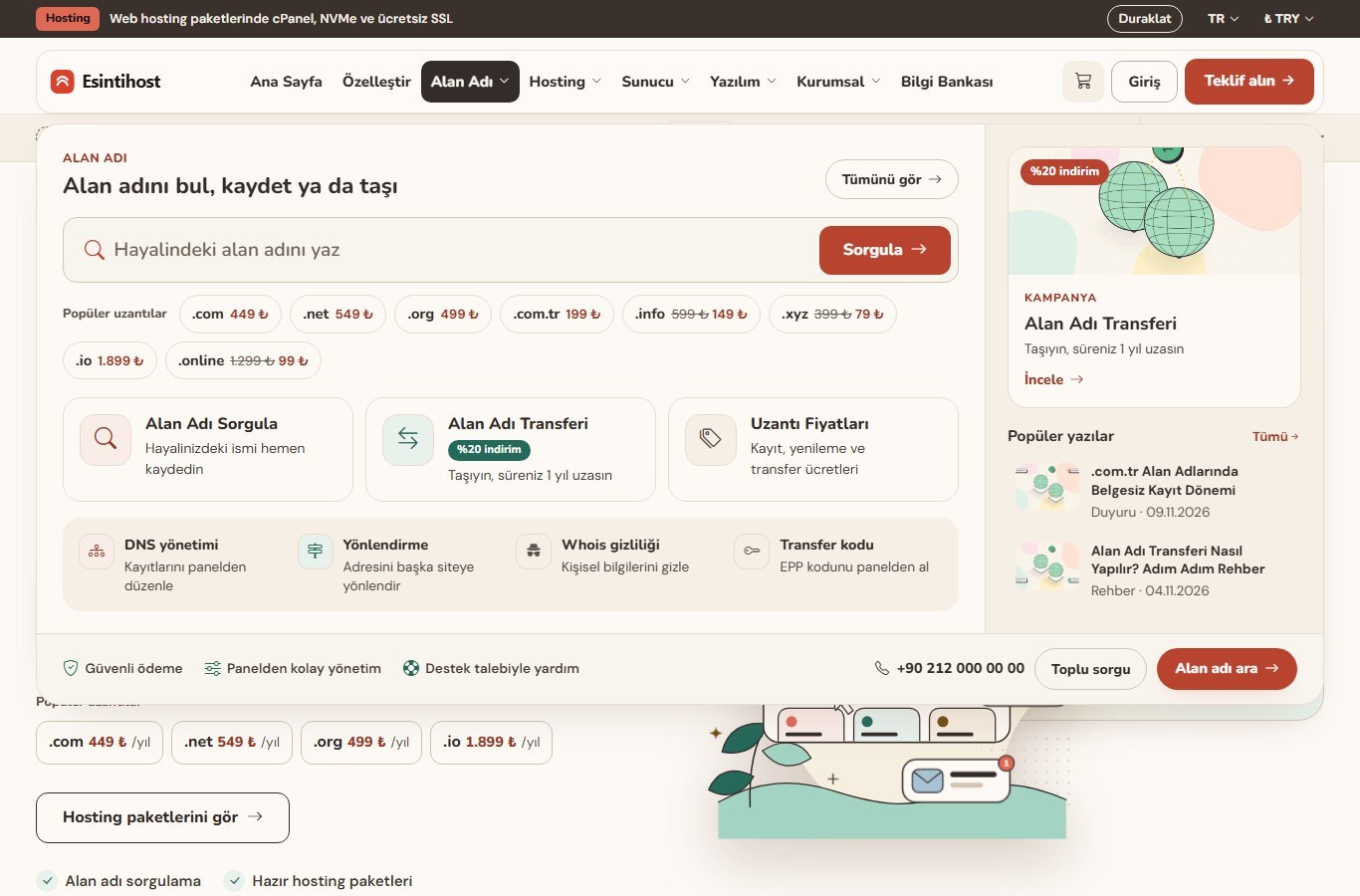
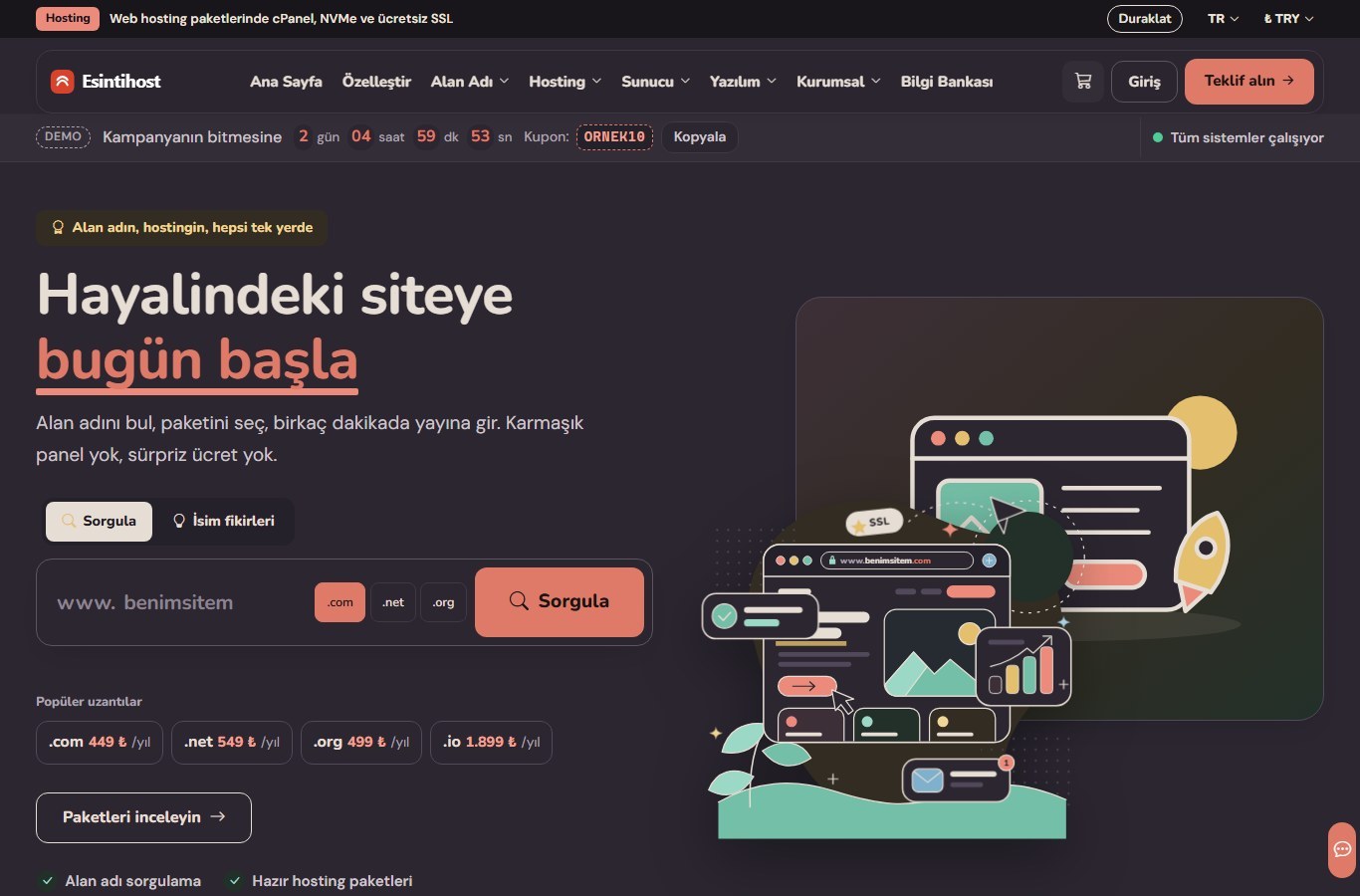
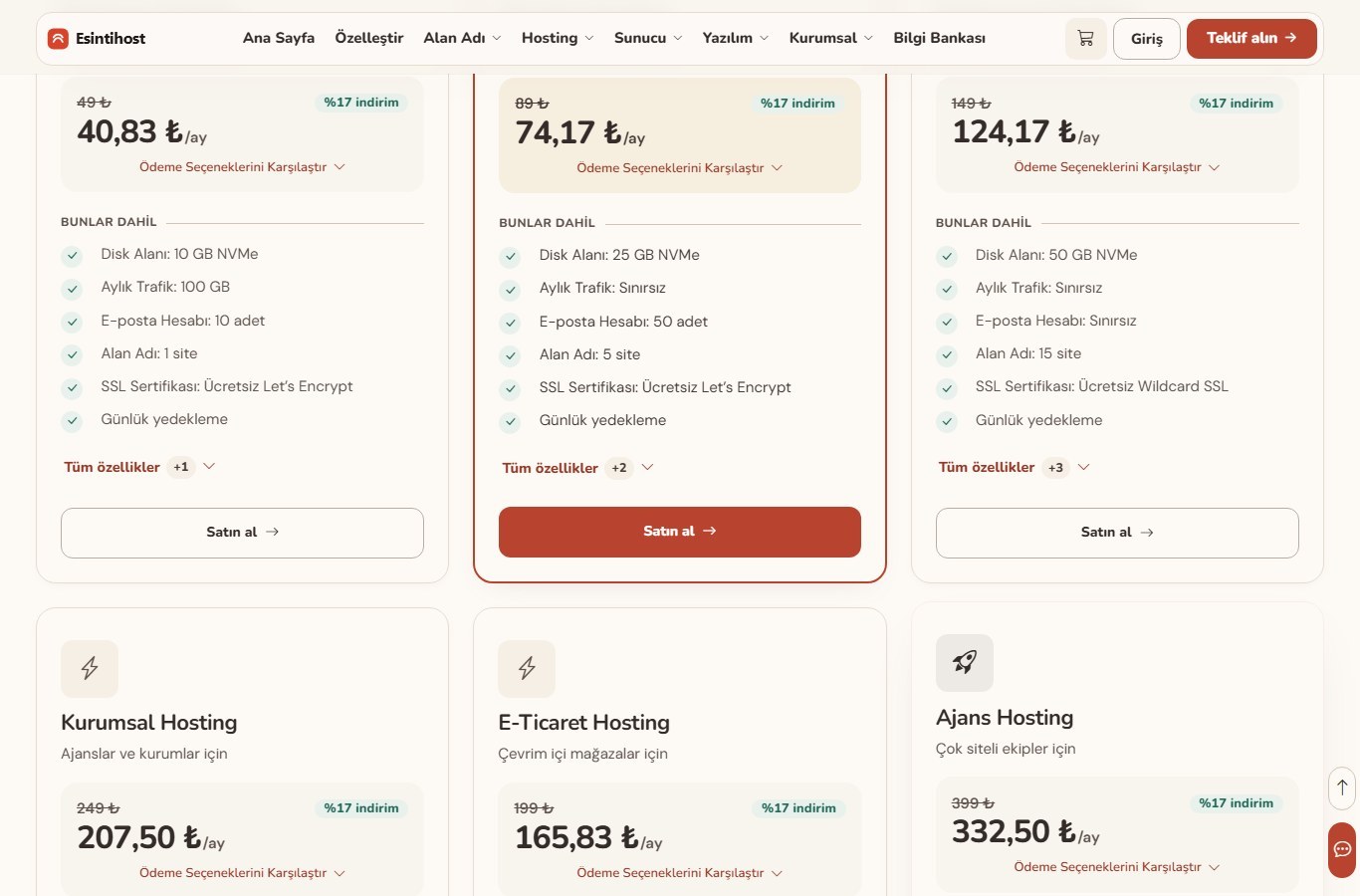
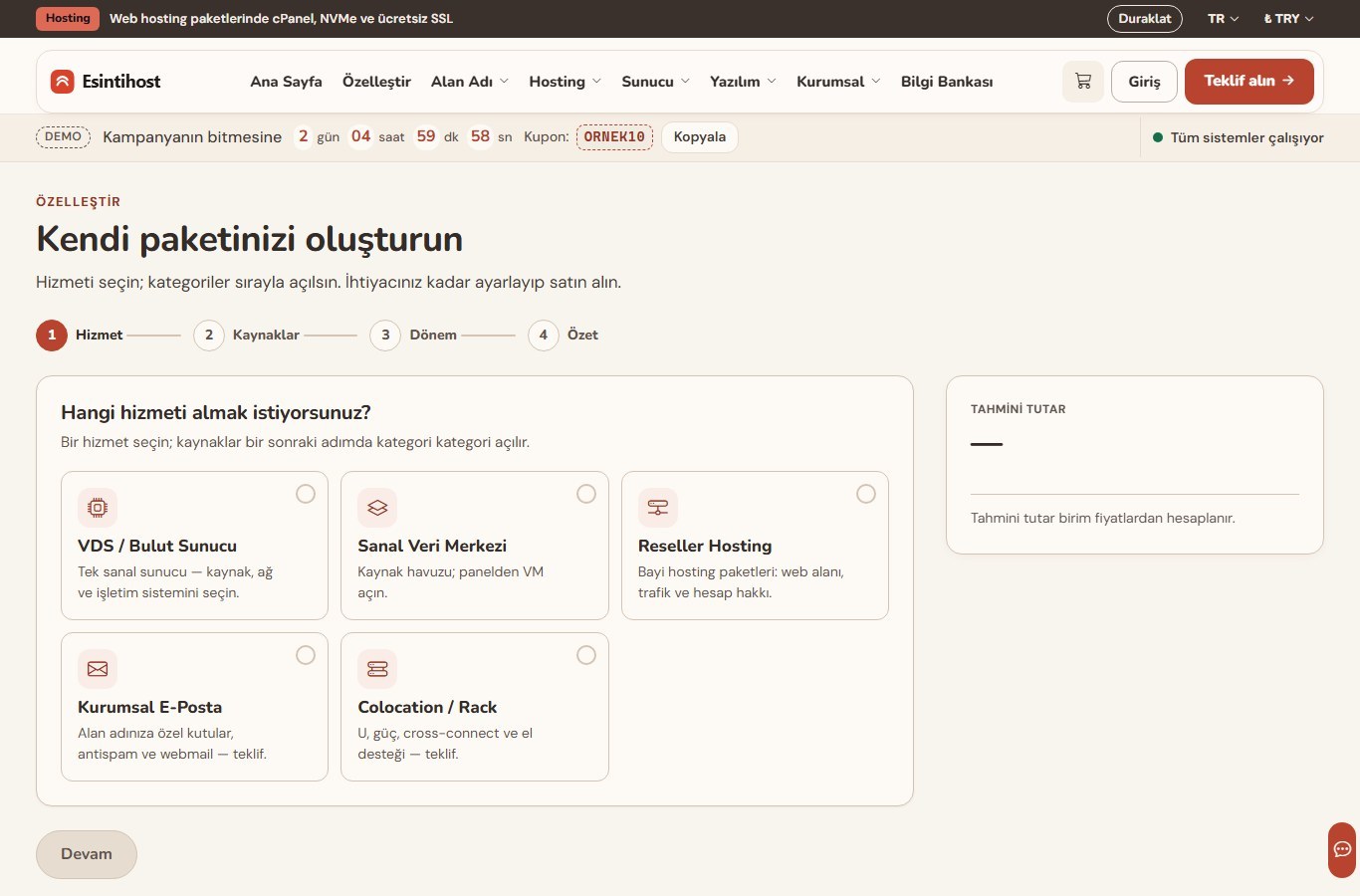
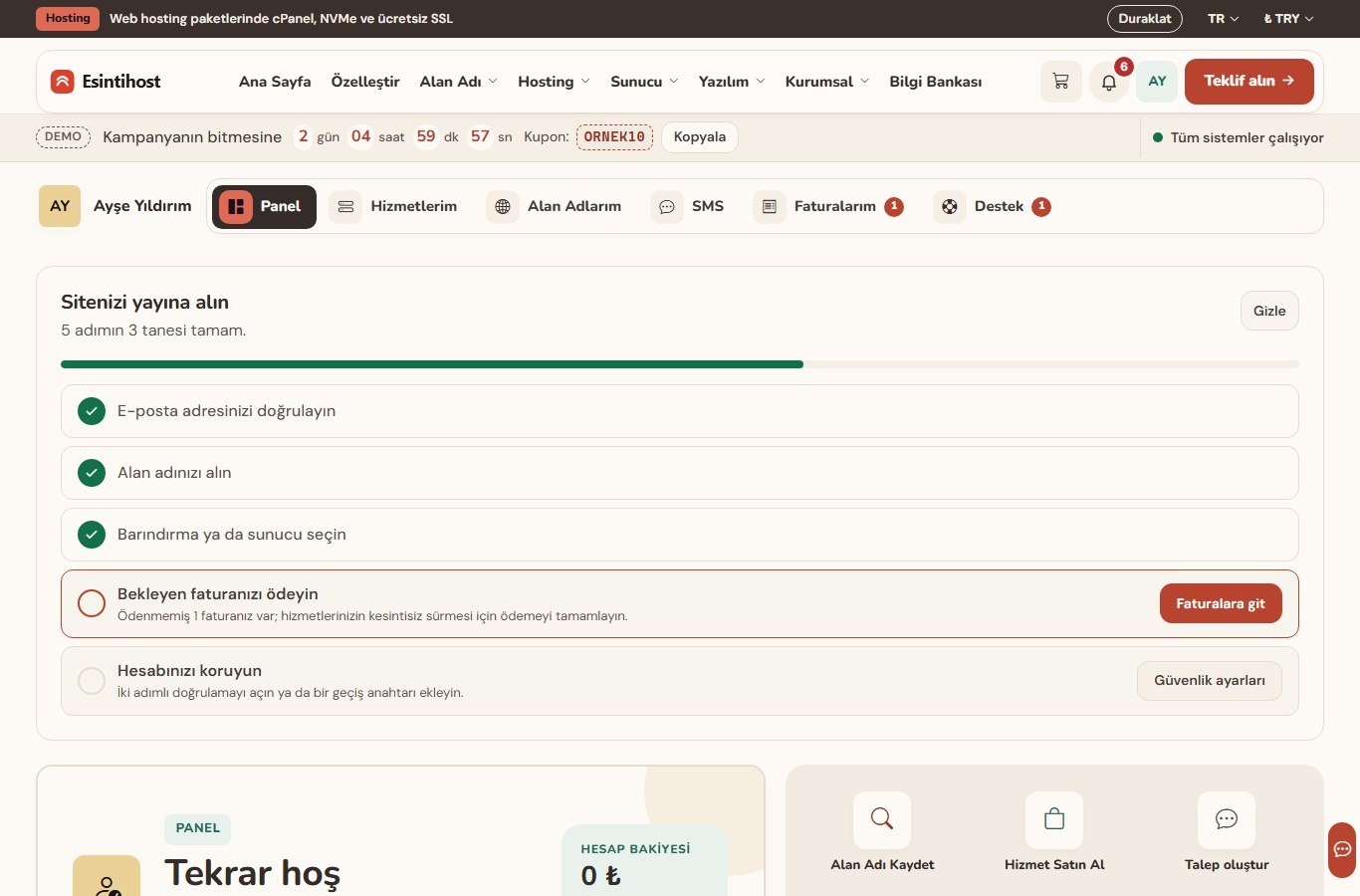
TreBreeze turns the visitor and customer side of your WISECP 5 site into a warm, friendly storefront for hosting, server and data center providers. The header, home page, product pages, cart and checkout, customer area and footer share one design language, in light or dark mode.
Storefront
- A floating pill header over a slim announcement strip, with a campaign strip that can show a coupon code and countdown.
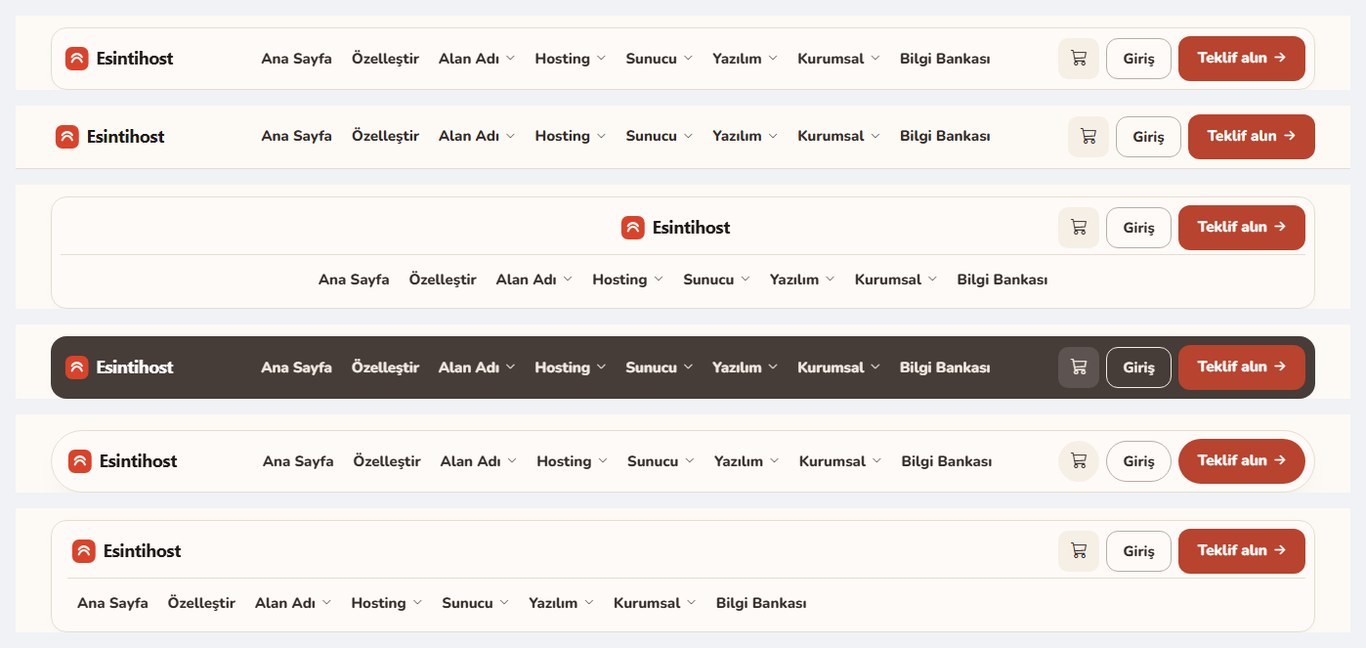
- 6 header layouts (Breeze, Wide, Centered, Dark pill, Lean, Two-row) and 6 footer layouts; each can be previewed before saving.
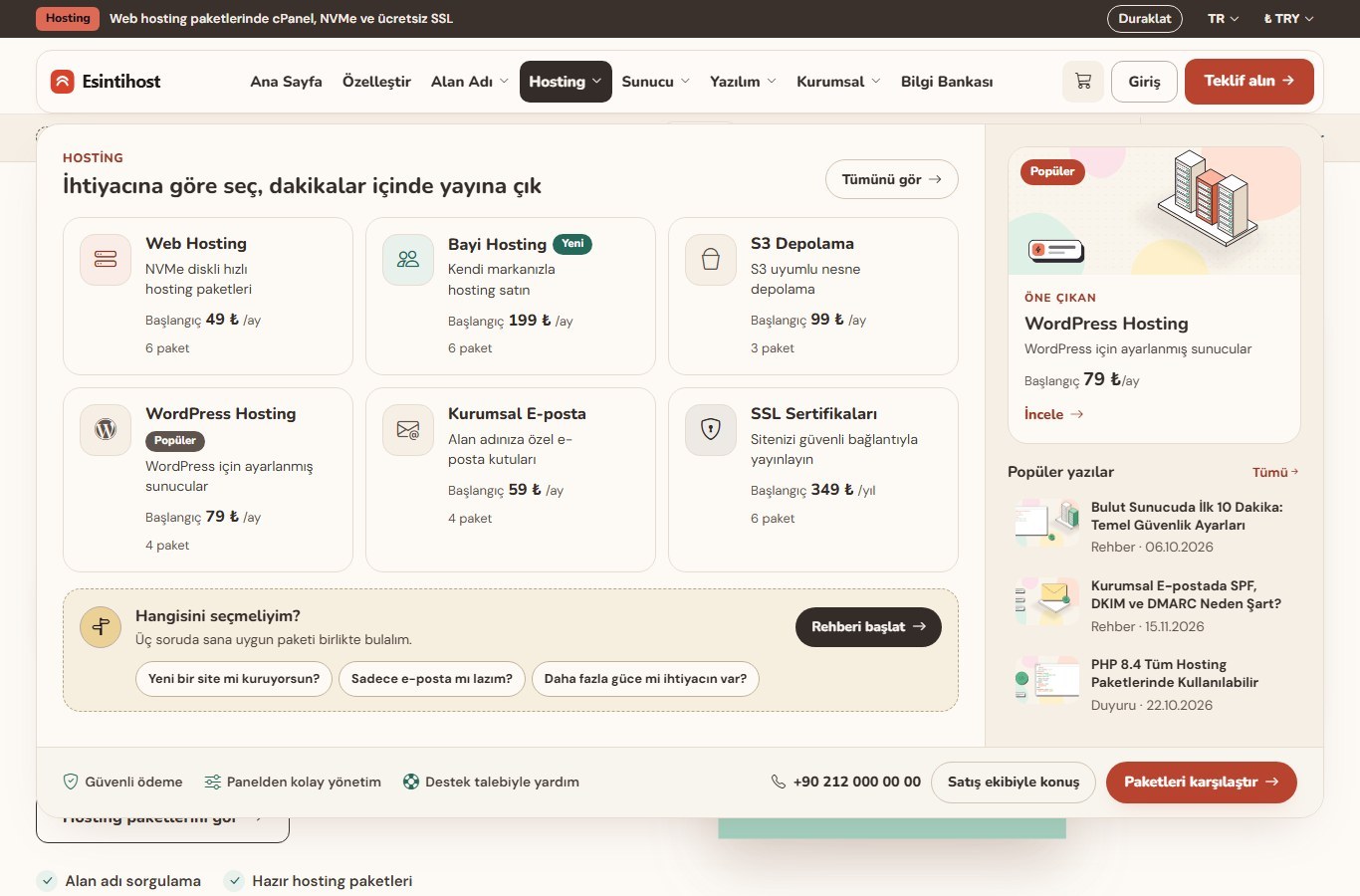
- Mega menu with priced product cards, domain search with extension prices, campaign card, related articles and a call-to-action strip; on mobile a full-screen drawer with sections.
- Home page built from a 50-block library with 7 presets (Breeze, hosting, domain seller, agency, reseller, e-commerce, all); drag to reorder and switch blocks on or off.
- Large rounded package cards with a "What's included" list; strike-through price and discount badge appear only when a discount is defined in WISECP.
- Customize order wizard, package finder and a "Which one should I choose?" box.
- Theme settings can be exported and imported as JSON; demo content loads with one button.
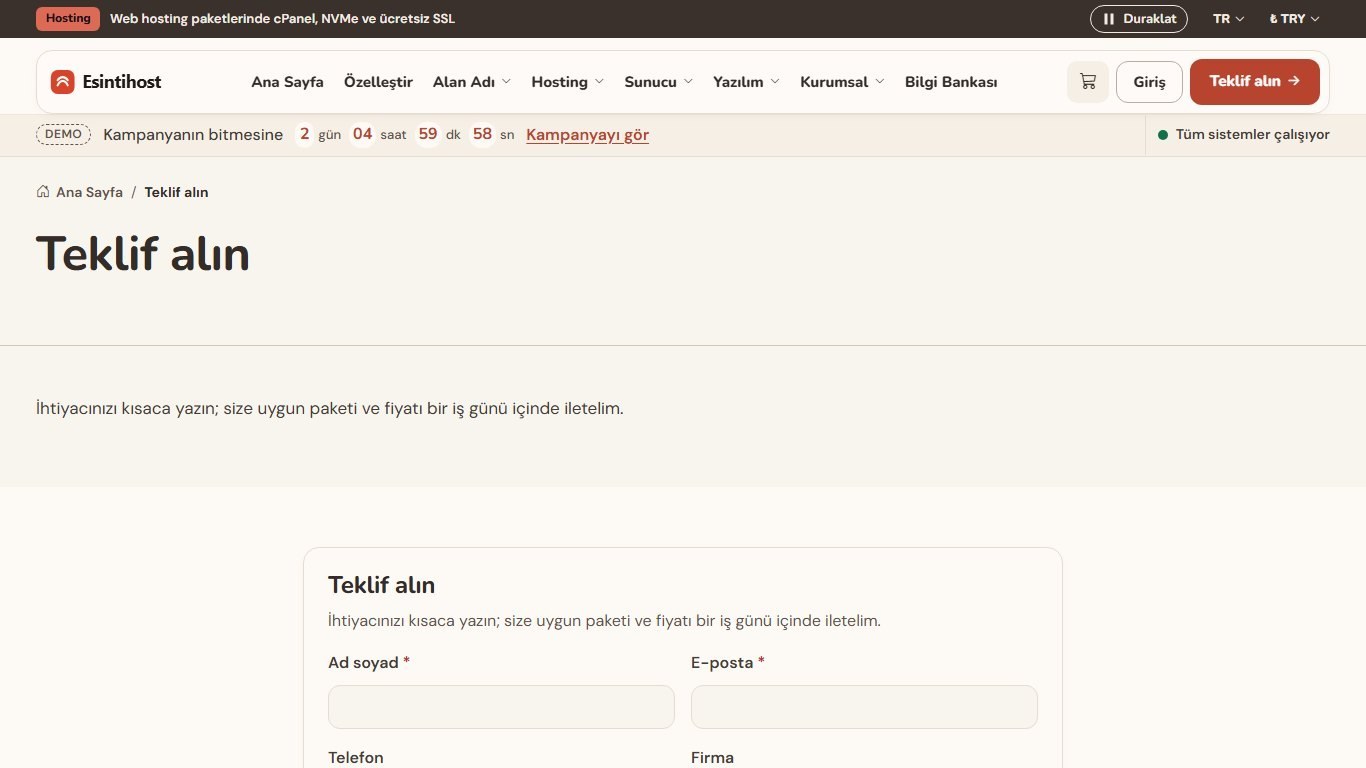
- Compact inner-page headers: breadcrumb, title and a short description in one band, so page content and the quote form start on the first screen.
Editable without code
- Text manager: every theme text (section labels, titles, buttons, footer and page texts, wizard questions, script messages) is a language key you edit per language; theme updates keep your changes.
- 8 colour schemes (or your own colours), 4 font pairs, corner and shadow density, layouts and home page order come from Theme Settings.
- Logo, contact details, products, prices, menus and pages are read from WISECP itself. Uptime, support hours and certificates appear only if you enter them.
Features layer (TreKit)
27 switchable features (TreKit 1.2.3) such as quote form, customer area announcement cards, notification centre tabs, live status widget and /status page, cookie consent and extra structured data. A disabled feature outputs nothing.
Languages and licence
The announcement strip has a pause/play button and stays still when reduced motion is requested. Turkish and English are complete; a Chinese (zh) translation is included for the storefront and TreKit texts, and anything missing falls back to English. TreKit texts you enter can hold several languages in one field: TR // EN // ZH. Click-tested on the demo in Turkish and Chinese, desktop and phone. If the licence cannot be verified the storefront stays online; only licensed extras pause.
Live demo: https://breeze.dcmodules.net/tr (photos on the demo site are not part of the package; the theme ships with its own drawings).
Purchase on this page. The licence key is issued for your WISECP domain and your server's IP address; you download the theme from the WISECP Marketplace with that licence. Updates arrive through the Marketplace.
- Order the theme on this page; the licence key is issued for your panel's domain and IP address. Download the package from the WISECP Marketplace with your licence and extract the zip into the WISECP root; files land in
templates/website/TreBreeze/. - Under Settings › Theme › Theme Management, click Activate on the TreBreeze card.
- Open the theme settings with the Settings button on the TreBreeze card; enter the domain, licence user and 48-character key in the licence box and save.
- Review the theme settings and save. Logo, contact details, menus, products and prices come from WISECP's own screens.
TreBreeze
Теми- Prices read live from your WISECP catalogue
- One design language in light or dark mode
- Floating pill header and campaign strip
A warm, friendly WISECP 5 storefront for hosting, server and data center companies, with prices read live from your catalogue.
| Випущено | 21 листопада 2026 |
|---|---|
| Останнє оновлення | 22 листопада 2026 |
| Версія | 1.9.8 |
| Ліцензія | 1 WiseCP panel (domain and IP) |
| Оновлення | Включено, поки ліцензія активна |
- WISECP 5.0-beta.4 or later. Not compatible with WISECP 3.x.
- PHP 8.1 or later with a matching ionCube Loader.
- Writable templates/website and coremio/storage folders.
- Outbound HTTPS (port 443) to wisecp.trecloud.com.tr for the licence check.
- Extract the zip into the WISECP root (files land in templates/website/TreBreeze), then activate the theme under Settings › Theme › Theme Management.
Інші продукти
Переглянути всі продукти Популярний
Готові почати?
Створіть акаунт і замовте першу послугу лише за кілька хвилин.